
Turn 300 clicks into one sentence
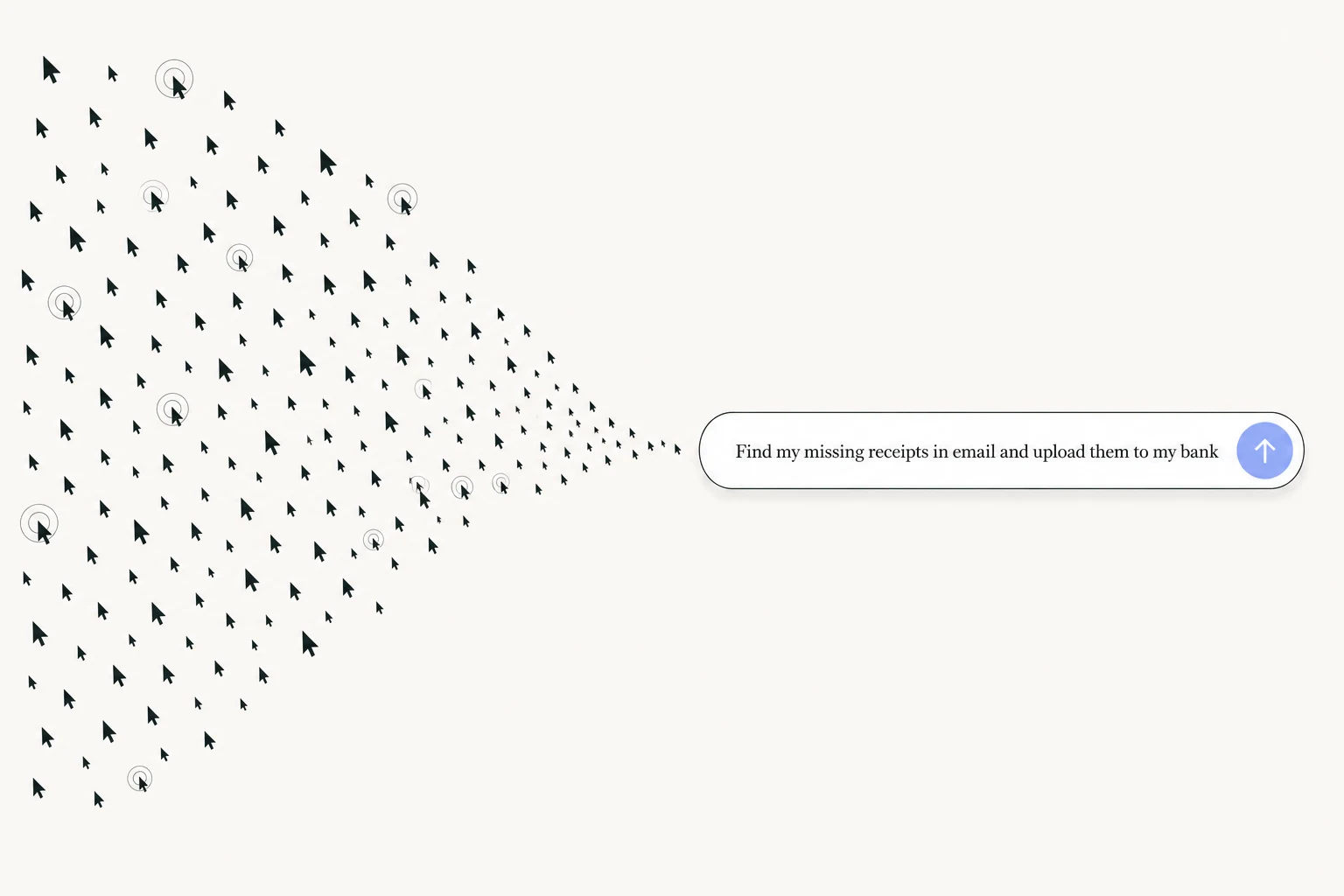
Every month, finding your missing receipts looks like this:
Open your bank. See what’s missing. Open your email. Search for the first one. Download it. Switch back to the bank. Upload it. Repeat for every receipt.
We counted. That’s about 300 clicks across 4 apps.
Or you type one sentence:
Find my missing receipts in email and upload them to my bank
That’s it. It opens your email, finds them, downloads them, opens your bank, uploads them. You watch it happen, or you don’t. One sentence. Zero clicks.
Most people think AI is text in, text out. You ask a question, you get an answer, then you go do the work yourself. That era is over. This app doesn’t answer questions about work. It does the work. Here’s what that actually means.
It can click anything you can click
You imported your browser, so it’s signed in everywhere you are. Which means it can do anything you do in a browser: open tabs, click buttons, fill forms, download a file from one site and upload it to another, log in with the verification code from your email.
Not “it can look things up.” It can do things. Get a file from your CRM, put it in a form, submit the form, and follow up when someone replies. A team lead we work with used to spend ten hours a week scheduling shifts for his team. Now he types “go fix my shifts” and it reads everyone’s preferences, checks last week’s schedule, and builds the next one.
If a task is possible in a browser, you can hand it off in a sentence.
You never have to explain yourself twice
Say “my cofounder” and it knows who you mean. Say “the investment doc” and it knows which one, because that’s the only one you work in. Say “fix my receipts” and it knows your bank, your email, and how you did it last time.
Every task teaches it how you work: which apps you use, where your files live, how you write to different people, what you meant last time you were vague. You know that notes doc with all your context, links, and contacts that you keep pasting into prompts? Delete it. You’ll never need it again.
Start ten things. Walk away.
While one task runs, start another. And another. Schedule the receipt one to run monthly. Give a recurring task its own memory and it becomes a teammate that owns that job: outreach, scheduling, status checks, running in the background while you do the work only you can do.
Your part is at the end. Look at what came back, approve it, or nudge it. That’s the whole job now.
Say the whole thing
The only mistake you can make here is asking for too little.
Don’t say “find that email.” Say “find the email with the contract, pull out the payment terms, check them against the invoice in my downloads, and draft a reply if they don’t match.”
Ten steps? Say all ten. Messy, rambling, typos, whatever. You’re not writing a prompt. You’re telling a very capable person what you want. If you can describe it, it can do it.
Work has always had two parts: figuring out what to do, and doing all the clicks to get there. The second part is over. Open the app and start with the thing you’ve been putting off for three weeks. It’ll take about four minutes.